




How to set up Alexa with Tuya App on Android or iOS?
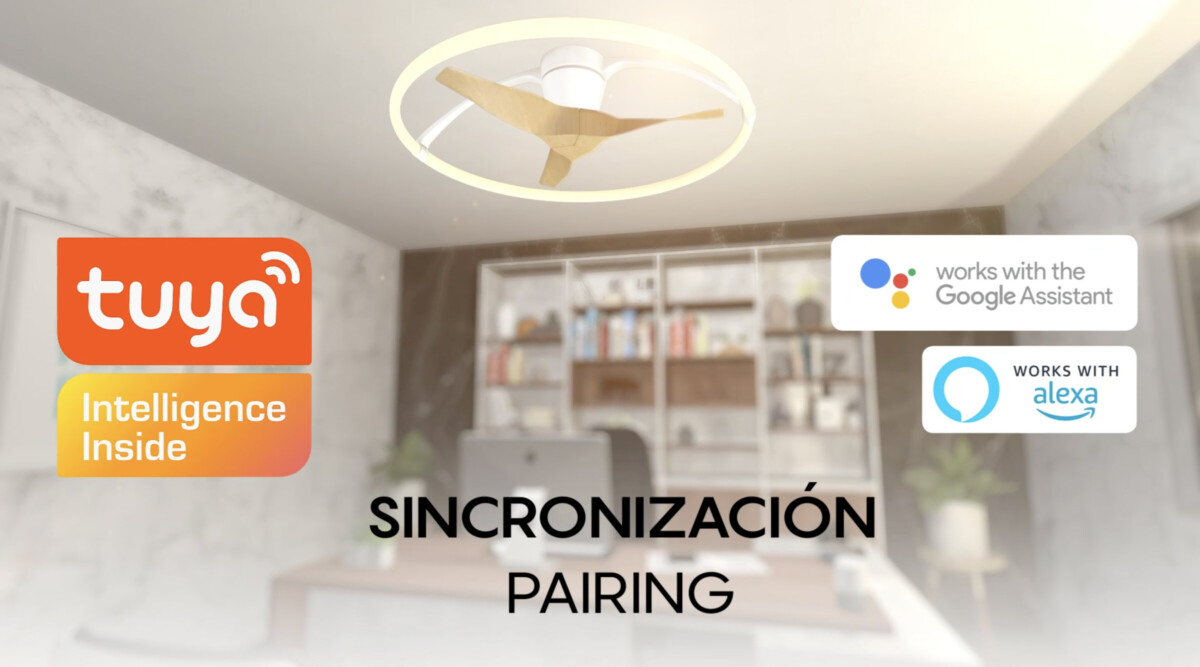
Below we explain how to set up any Alexa-compatible device for the Tuya App.
- We must first set up the luminaire with our App
- Download the Alexa app and follow all the steps indicated by the app. When we have finished the setup, on the last screen, tap on the “more” option in the bottom right corner.
- Tap the add device option.
- Tap the “Light” option and select the “Tuya” option.
- We must allow the Tuya App to link our Tuya account with Amazon Alexa. Confirm authorisation to link Tuya Smart App with Amazon Alexa.
- Once we have confirmed authorisation, both accounts will be linked (Tuya Smart and Amazon Alexa).
- We must have our Wi-Fi network connected to our mobile device or tablet, so it can detect the devices we want to link with Alexa.
- We select the option “Select group” and choose the room where we want to place our bulb, then click “Add to group”.
- Once this process is complete, we can use our fan via Alexa.